Home » SolidCAM CAM Assist

SolidCAM CAM Assist

Built by Machinists - For Machinists

Powered by

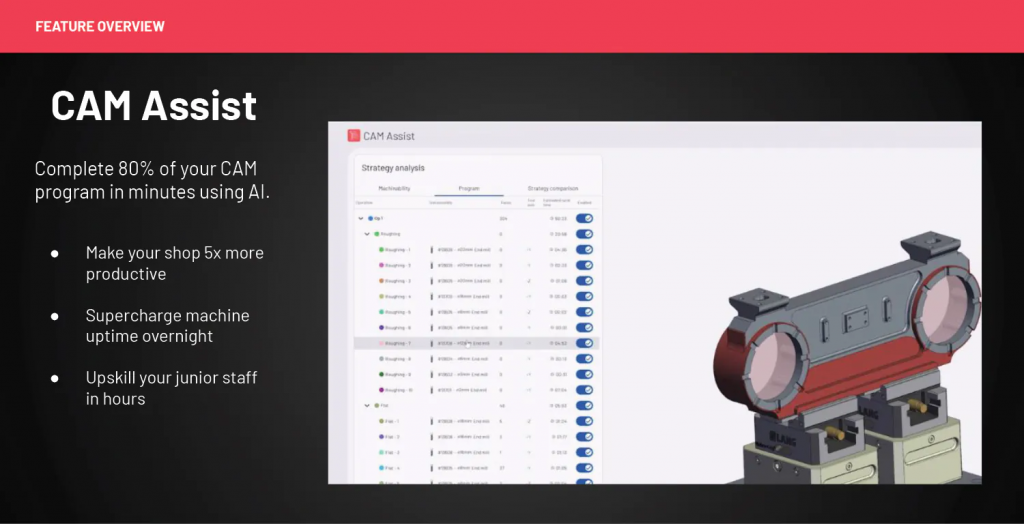
Complete 80% of your CAM program in minutes with SolidCAM CAM Assist!

Exceptional technology solution that makes manufacturing faster and accessible to everyone.

CloudNC’s CAM Assist accelerates work of machinists and CAM programmers.

CAM Assist’s AI tools keep you in the driving seat in SolidCAM you already know and love.

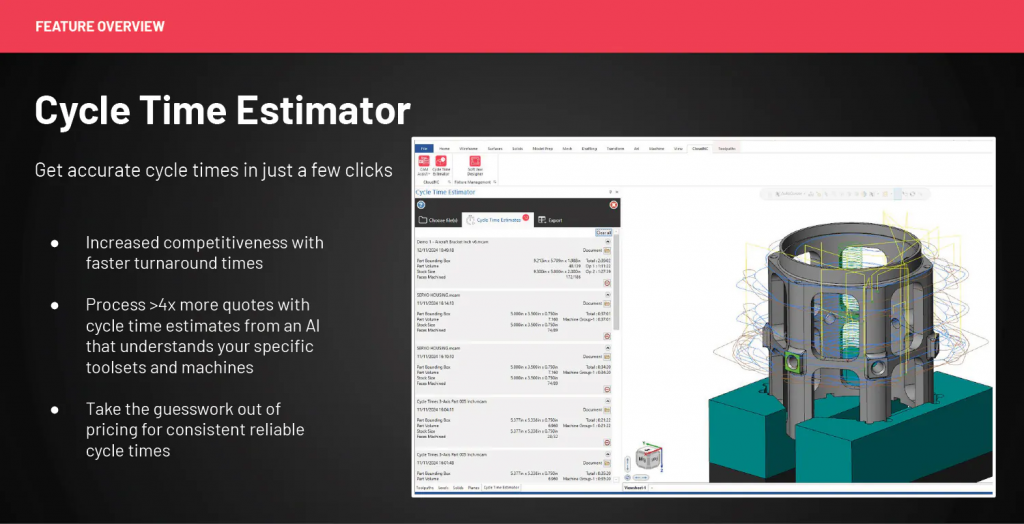
Leverage CAM Assist to accelerate quoting and CAM programming!

We provide production-first machining strategies.

CAM Assist generates working machining strategies for your module.

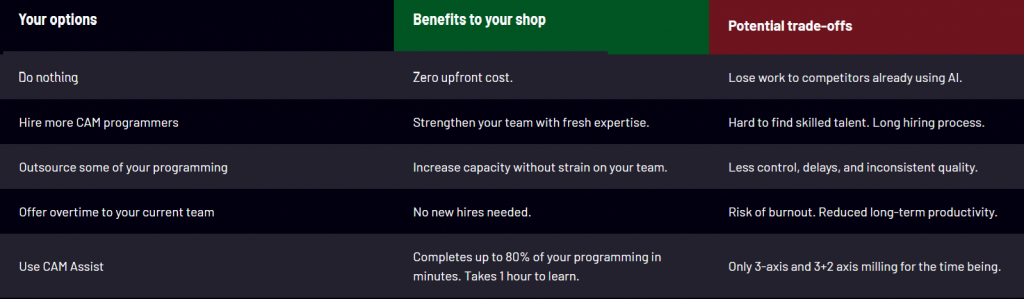
  • CAM Assist can generate working toolpaths for up to 80% of 3 axis and 3+2 axis parts
  • Built around real machines, tooling, materials, and fixturing
  • Assumes the programmer will review and adjust –  human judgement remains essential! (HI with AI)
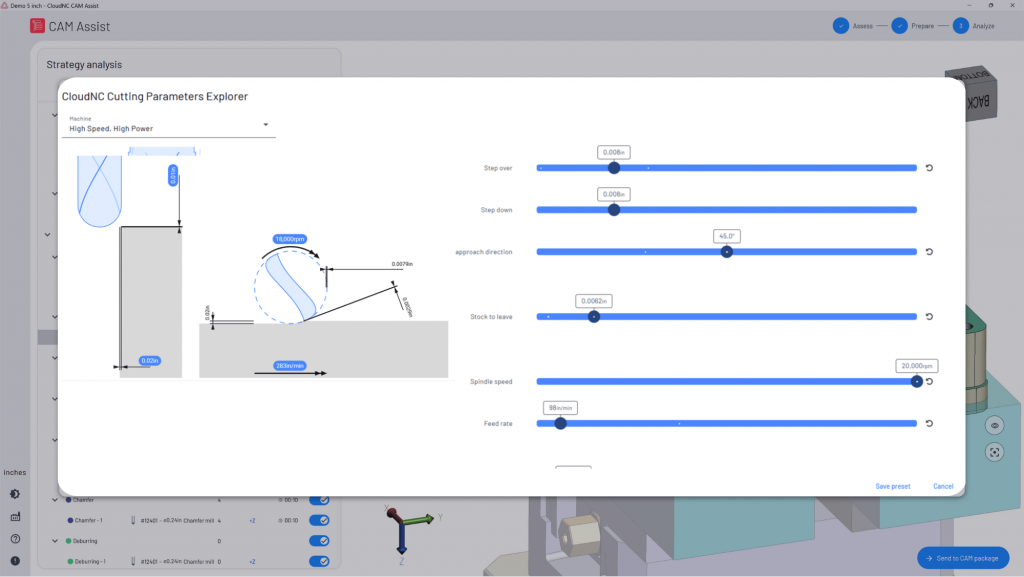
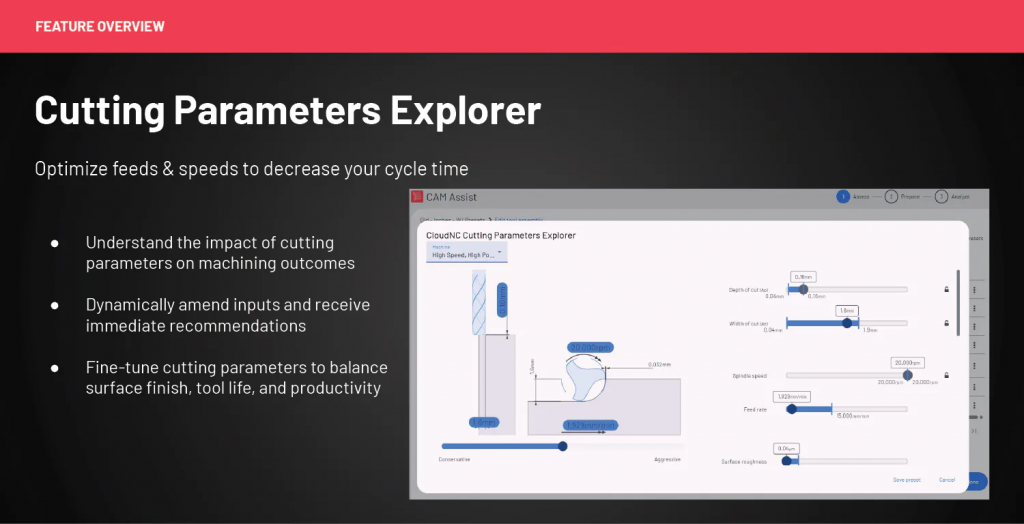
  • Use our physics-based AI to implement feeds & speeds. Get the perfect balance between cycle time, surface finish and tool life. 
  • Customise CAM Assist to fit your workflow – You stay in control: edit operations, reorder strategies, and lock in your shop’s preferences, so CAM Assist works the way your team does.
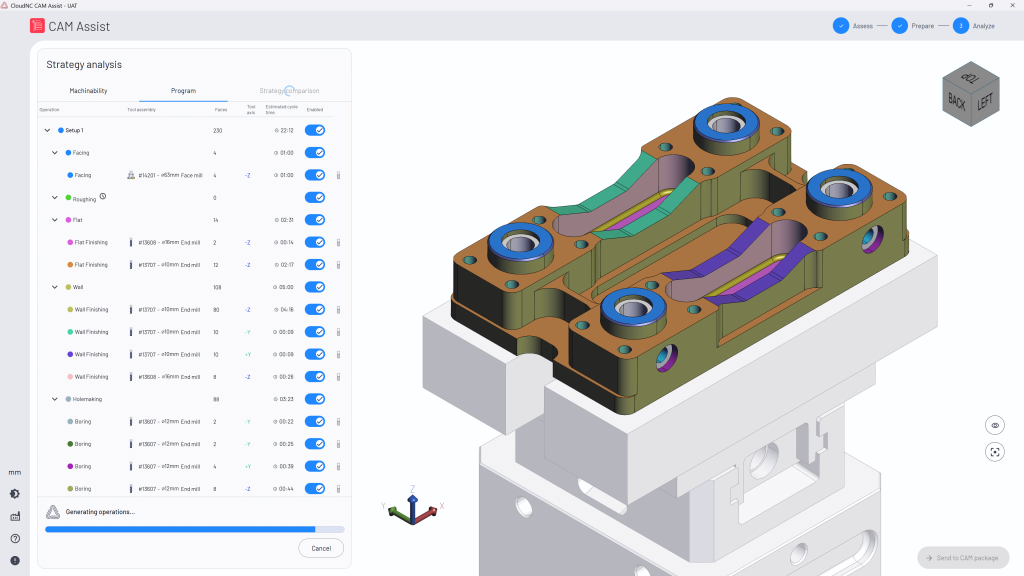
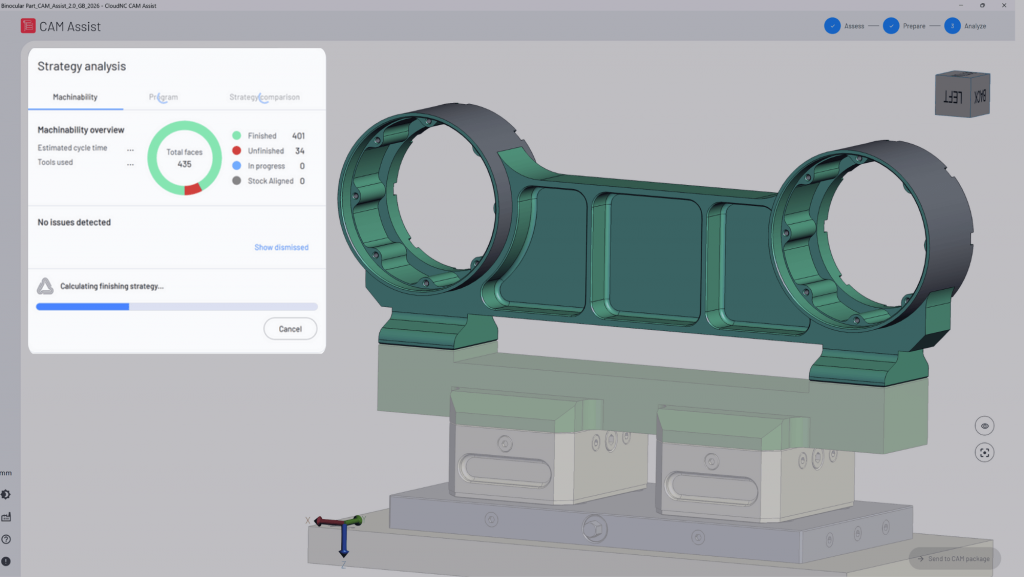
  • Instantly check your part for machinability – CAM Assist identifies missing stock, unsupported features, and geometry issues before toolpaths are generated – and shows you what needs fixing.

Important:

To be able to use CAM Assist for SolidCAM, you must:

  • be on valid subscription
  • have the latest version of SolidCAM that supports CAM Assist: SolidCAM2025 SP4 HF1.
  • have the following SolidCAM modules:

* 2.5D Mill

* iMachining 3D

* HSS

* Pro3D HSM

How CAM Assist for SolidCAM Works?

STEP 1

Configure CAM Assist for Your Workflow.

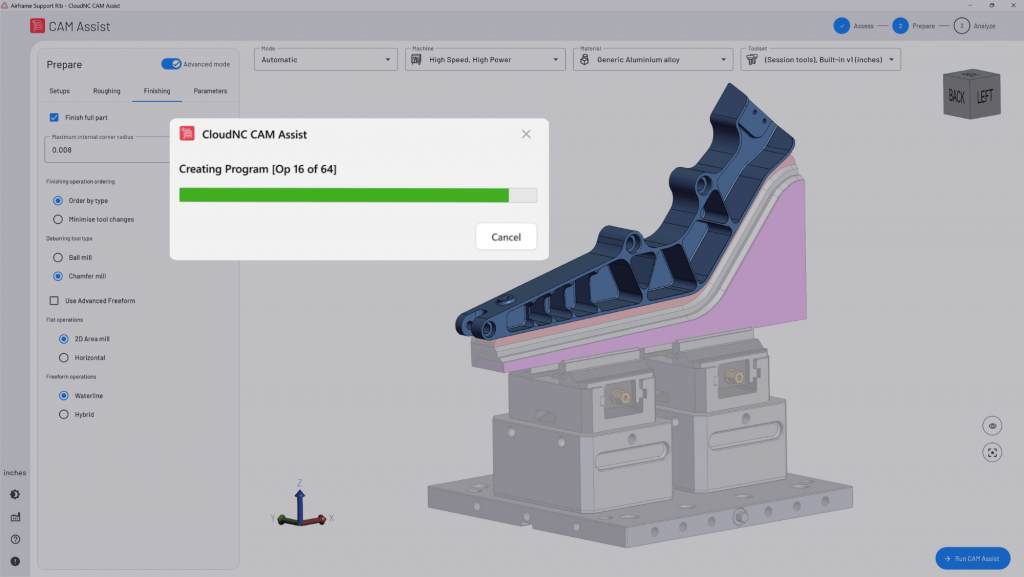
Customise the AI to your needs – tools, materials, workholding and machines in SolidCAM. Save & reuse them next time. Run CAM Assist.

STEP 2

Get Instant AI Machinability Insight

Open a part and get instant machinability feedback. Choose 3-axis or 3+2, preferred directions, and areas to avoid.

STEP 3

Review and Refine AI‑Generated Strategies

Explore AI-generated strategies and operations. Review and adjust before sending toolpaths to your CAM software.

STEP 4

Post & Cut with Confidence

Post G-Code and run the part on your machine, having saved hours of manual work.

How to Stop CAM Programming causing Bottlenecks

CAM Assist is purchased on a per seat basis and attaches to your CAM seat license. Our fair usage policy requires that you purchase a seat for every active user.

CAM Assist is pre-installed in SolidCAM 2025 Service Pack 4, and will be compatible with all future versions of SolidCAM.

We recommend following the computer system requirements suggested by your CAM software provider.

This ensures optimal performance since the results are generated directly on your computer within the CAM software.

Operating System
Windows 10 64-bit Professional, or Windows 11 64-bit Professional

CPU
Intel® or AMD 64-bit processor, 2.4 GHz or faster
Latest generation Intel i7/i9 processor, 3.2GHz or faster

Memory
Windows 10 → 8-12 GB, or Windows 11 → 32-64 GB

Video
OpenGL 3.2 and OpenCL 1.2 support, with 1GB memory
No onboard graphics
NVIDIA RTX or AMD FirePro™/Radeon Pro card with 4 GB (or higher) dedicated memory

Display resolution
1920 * 1080

Storage
Hard drive with at least 20 GB free
Solid State Drive (SSD) with at least 20 GB free

Additionally, a stable internet connection is required to use CAM Assist effectively.

CAM Assist doesn’t require any custom post-processors and works with almost every CNC milling machine (as long as you have the right post-processor in place). 

CAM Assist does not currently support other types of CNC machine such as lathes and mill-turns, though this is in development.

No.  CAM Assist works directly within your existing CAM package and therefore does not require new post-processors.

Yes, CAM Assist requires a stable internet connection. The internet is necessary for processing and generating strategies and integrating them with your CAM software.

CAM Assist has a deep understanding of the rules and physics of machining, paired with the ability to generate trillions of possible ways to manufacture a component. It does this bearing in mind your unique combination of part + fixture + tooling + machine.

It rapidly simulates these possibilities, narrowing down the options to a sensible set of operations that will successfully produce the part to tolerance, which it then inputs this directly into to your CAM package, much in the same way you would. This leaves you with a CAM program that is ready to simulate and edit.

CAM Assist will rarely provide a perfect strategy first time, but it will usually get you 80% of the way there – it is up to you to decide how to use that time.

Yes! SolidCAM UK supports all CAM Assist licenses purchased from SolidCAM UK.